Multi-factor authentication (MFA) is an important security measure that provides protection to online user accounts. It requires users to provide multiple pieces of evidence or credentials in order to gain access.
In the past, authentication mainly relied on a username and password. However, usernames and passwords are often easy to crack – especially by scammers and bots with malicious intent. Therefore, Multi-factor Authentication (MFA) is becoming more popular for protecting sensitive data. Almost all online services – banks, social media, e-commerce sites – have added an extra layer of security to their accounts.
Microsoft’s Multi-factor Authentication (MFA) solution is popular among organisations looking to secure their systems and data. It combines something the user knows (e.g. password), something the user has (e.g. physical token or mobile device) and something the user is (e.g. biometric information). This ensures that only authorized users can gain access to the system, making it harder for hackers and other malicious actors to breach security.
When you sign in to a device or app for the first time, you must enter your username and password. Afterward, you will be asked to provide your second factor to verify your identity.
Perhaps you’re using the free Microsoft Authenticator app as your second factor. Simply open the app on your smartphone and see a dynamically created 6-digit number, which is unique to your phone. Use this number to gain access.
If someone else tries to sign in with your username and password, they will be prompted for a second factor which they cannot retrieve unless they have your smartphone. Moreover, the 6-digit number in Microsoft Authenticator changes every 30 seconds; so, even if they know the number you used to sign in last week, they are still locked out.
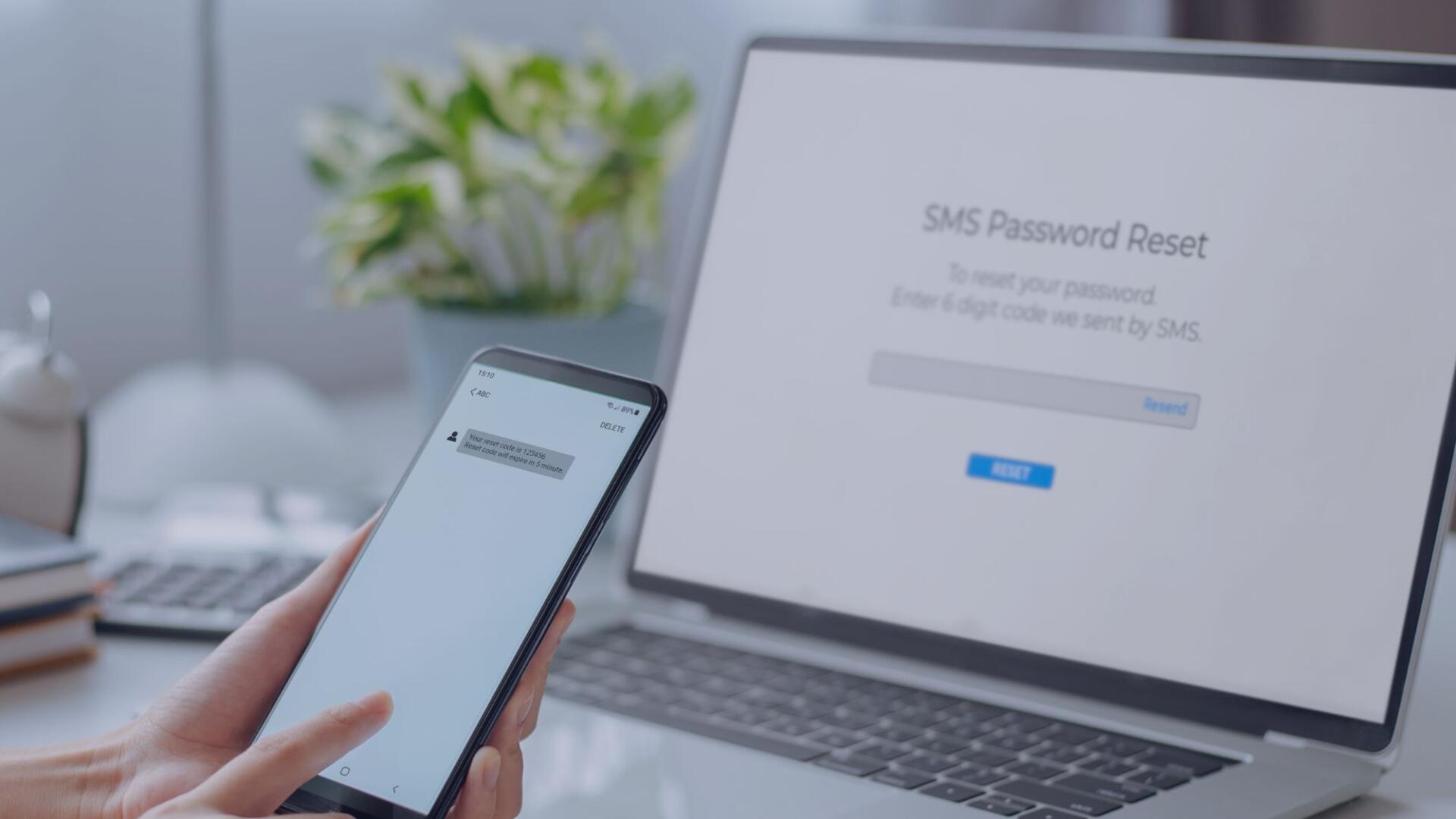
First, it’s important that the ‘factors’ are varied. Use a combination of at least two different kinds of factors for security. Passwords can be stolen, but fingerprints cannot. Multi-factor authentication is generally only needed the first time you sign into an app or device, or after changing a password. After that, you need your primary factor such as a password, PIN, fingerprint, or facial recognition. Most online services support adding a second step of authentication – access account settings and turn on multi-factor authentication (MFA).
Passwords are often the first line of defence for organisations when it comes to data and money security, so the best way to protect yourself is to start using multi-factor authentication (also known as two-step verification). With MFA in place, users can rest assured that their data is safe and secure from any potential threats.
With Microsoft 365 MFA enabled, you can rest assured that your business’s data is more secure. It helps protect against fraud and unauthorized access while providing peace of mind that your sensitive information is safe.
Need help making your business more secure online? Get in touch with us today to find out how we can help!